Wireless CarPlay & Android Auto Adapters: Do They Work, and Which One Won't Drop?
For most cars, choose the AAWireless TWO+: one dongle runs both CarPlay and Android Auto, and AAWireless ships firmware updates through its app. If every phone in the car runs Android, the Android-only AAWireless TWO does the same job. All of them need a car that already has wired CarPlay or Android Auto, because an adapter cannot add it.
Our #1 Pick
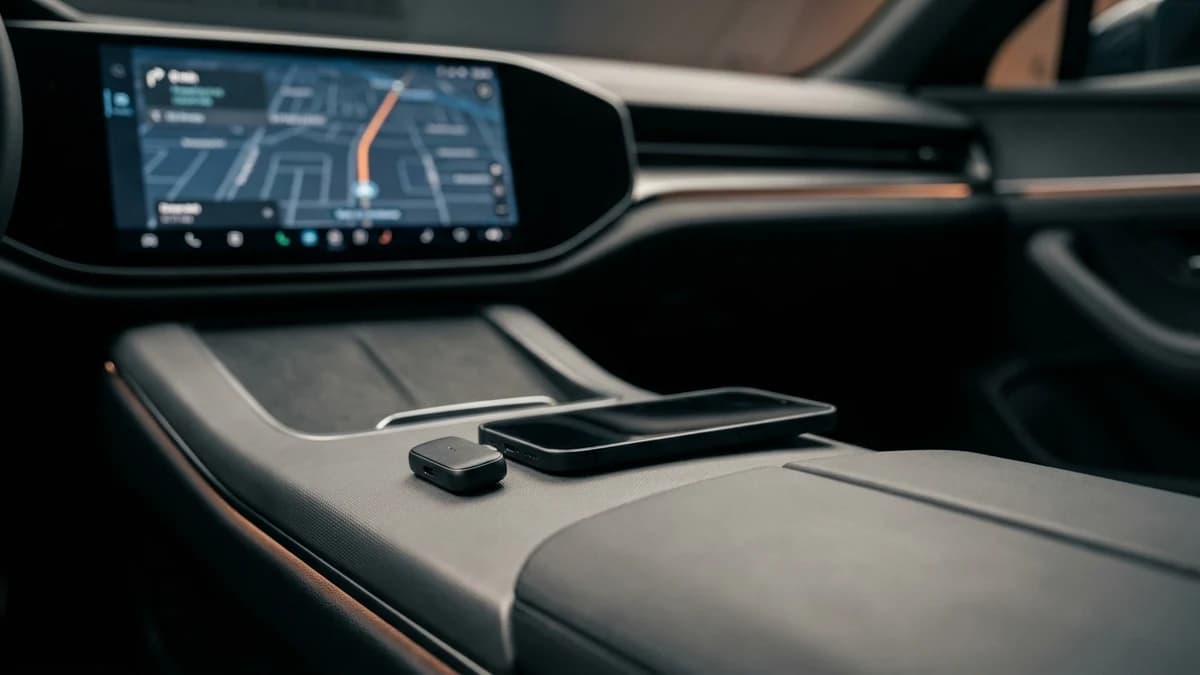
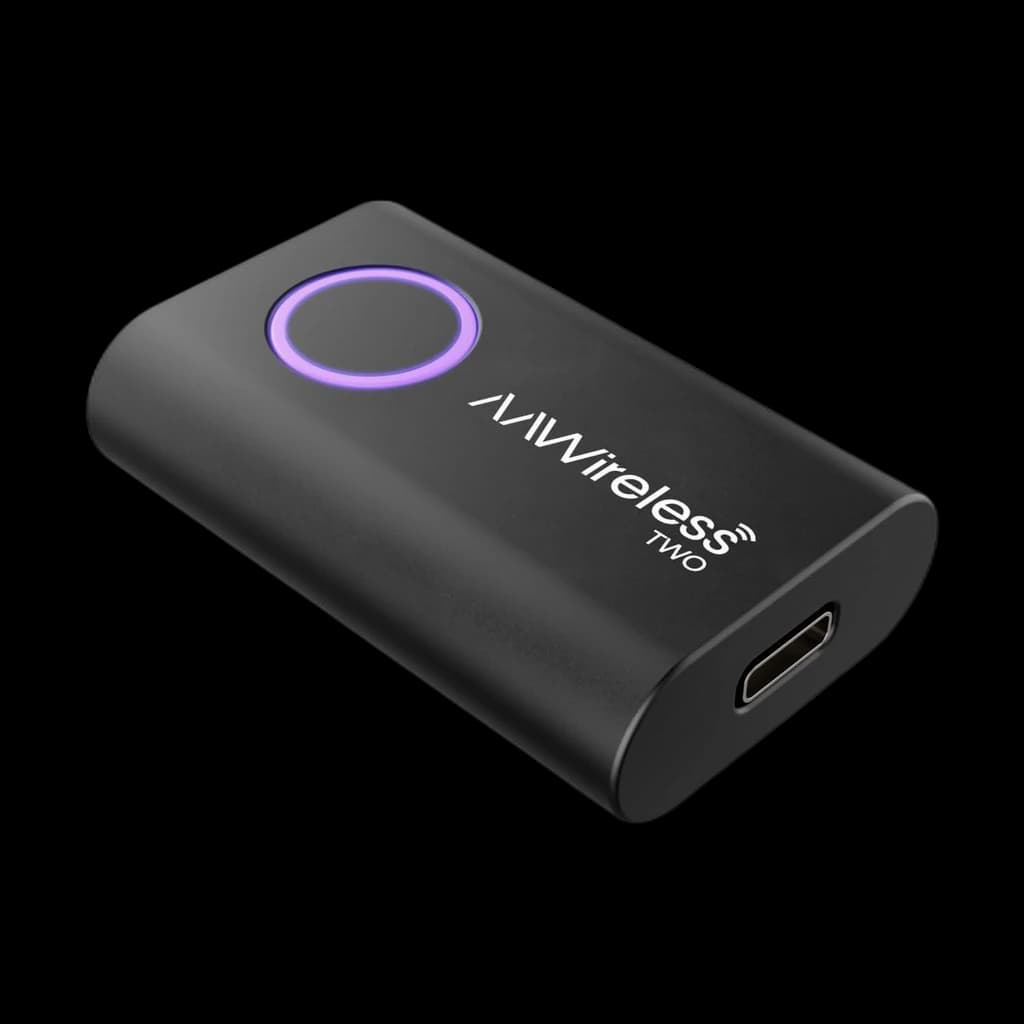
Our top pick: AAWireless's 2-in-1 adapter turns a car's factory wired CarPlay or Android Auto into wireless from one dongle, so it covers iPhone and Android drivers alike. AAWireless backs it with a companion app for firmware updates and troubleshooting, a button that switches between paired phones, and a 2-year warranty. It needs an iPhone X or newer, or Android 11 or higher, and its owner record is still short.
Also Great
Android-only households: AAWireless Two — wireless Android Auto adapter ($64.99) - the pick if every phone in the car runs Android: AAWireless says the main difference from the TWO+ is CarPlay support, and the Two has the deeper owner record.
Our Verdict
Confirm your car already has wired CarPlay or Android Auto first, because an adapter cannot add it. Then buy on reliability and firmware support rather than features: the AAWireless TWO+ is the pick for CarPlay or both, and the AAWireless Two is the one to get if every phone in the car runs Android.
Key takeaways
- These adapters can't ADD CarPlay. Your car must already have wired CarPlay or Android Auto; the dongle just makes it wireless.
- Buy for the phones you use. The AAWireless TWO is Android Auto only; the TWO+ runs CarPlay and Android Auto.
- Most drops are fixable. Re-pair from scratch, check Bluetooth and Wi-Fi are both on, and update the car's and adapter's firmware.
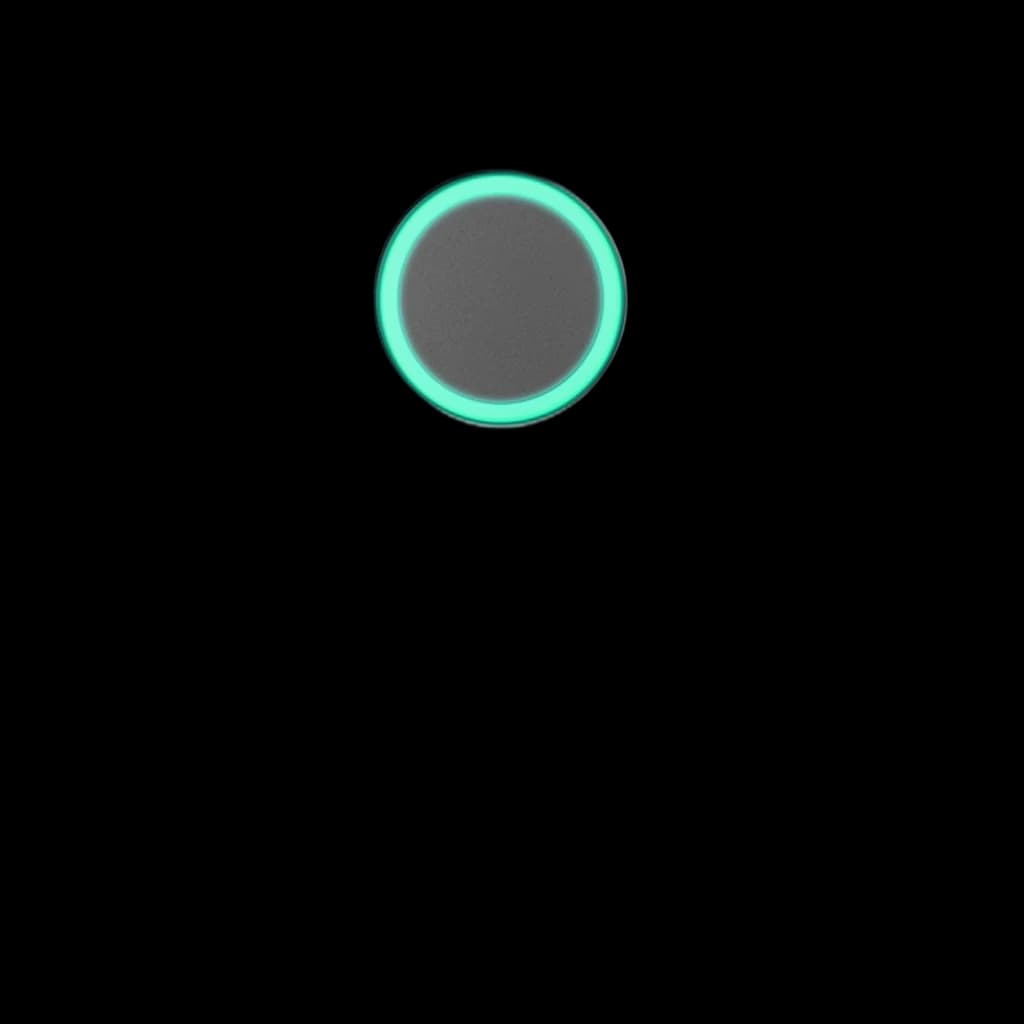
AAWireless TWO+ — 2-in-1 wireless CarPlay & Android Auto adapter
- Runs both wireless CarPlay and wireless Android Auto from one dongle
- Companion app handles firmware updates, button settings and a built-in troubleshooter
- One button pairs a new phone, switches to the next paired phone or puts the adapter in standby
Our top pick: AAWireless's 2-in-1 adapter turns a car's factory wired CarPlay or Android Auto into wireless from one dongle, so it covers iPhone and Android drivers alike. AAWireless backs it with a companion app for firmware updates and troubleshooting, a button that switches between paired phones, and a 2-year warranty. It needs an iPhone X or newer, or Android 11 or higher, and its owner record is still short.
Side-by-side comparison
#1AAWireless TWO+ — 2-in-1 wireless CarPlay & Android Auto adapter 4.2 | #2AAWireless Two — wireless Android Auto adapter 4 | #3Ottocast U2-Air — wireless CarPlay adapter for iPhone 3.8 | #4CarlinKit 5.0 — 2-in-1 wireless CarPlay & Android Auto adapter 3.6 | |
|---|---|---|---|---|
|  |  |  | |
| DriveScored | ||||
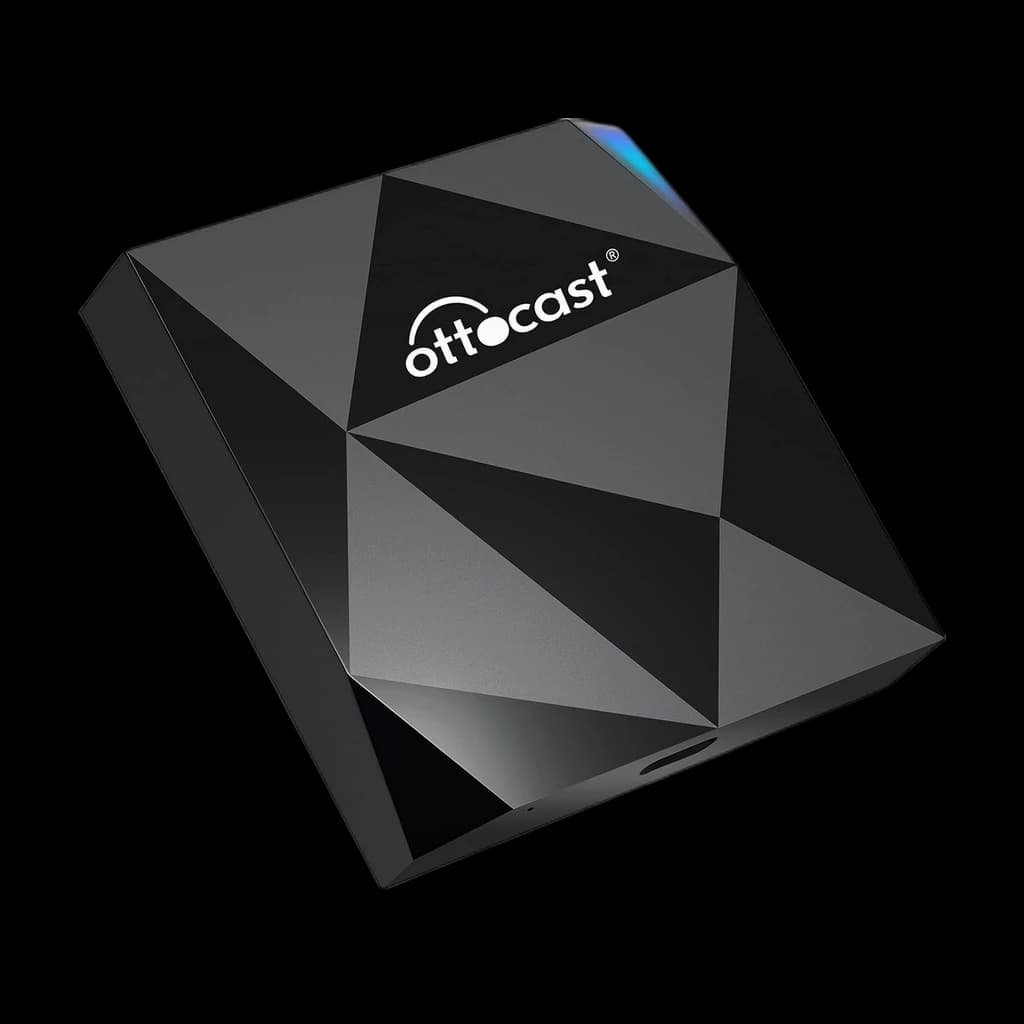
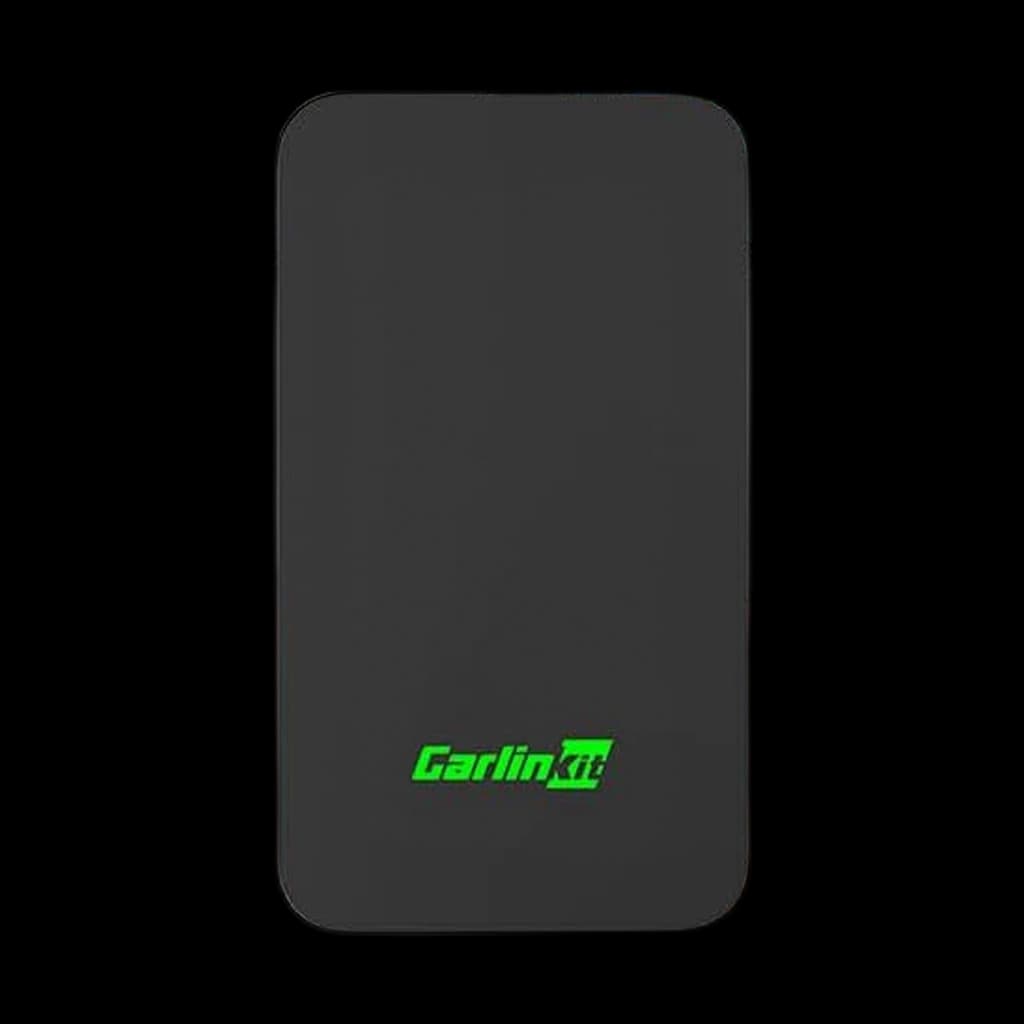
| Verdict | Our top pick: AAWireless's 2-in-1 adapter turns a car's factory wired CarPlay or Android Auto into wireless from one dongle, so it covers iPhone and Android drivers alike. AAWireless backs it with a companion app for firmware updates and troubleshooting, a button that switches between paired phones, and a 2-year warranty. It needs an iPhone X or newer, or Android 11 or higher, and its owner record is still short. | The Android Auto pick. AAWireless says the main difference from the TWO+ is CarPlay support, so this is the one to buy when every phone in the car runs Android, and it carries a much deeper owner record (3,200+ ratings). If anyone in the household drives with an iPhone, the TWO+ covers both. | A compact, cheap CarPlay-only dongle Ottocast rates at roughly a 7-second startup. Good value if you only need Apple CarPlay, but the sub-4-star average reflects head-unit-specific reliability complaints. | CarlinKit's dual-protocol dongle converts wired CarPlay and Android Auto to wireless with 5GHz WiFi and OTA updates. Capable and widely used, but this listing's 3.6-star average is the weakest in our lineup — buy for the price and dual support, not for polish. |
| Price | ~$74.99Buy on Amazon | ~$64.99Buy on Amazon | ~$39.80Buy on Amazon | ~$54.00Buy on Amazon |
| Converts | Wired→Wireless Both | Wired→Wireless Android Auto | Wired→Wireless CarPlay | Wired→Wireless Both |
| OS Support | Both (iPhone X+ / Android 11+) | Android only (Android 11+) | iOS only | Both |
| Boot Time | Not published by AAWireless | Not published by AAWireless | ~7–10s | ~10–30s |
| Connection | Bluetooth handshake, then Wi-Fi | Bluetooth handshake, then Wi-Fi | 5GHz WiFi + BT | 5GHz WiFi + BT |
| Buyer sentiment | Functionality Easy Setup Compact Size App Functionality Buyers praise functionality, easy setup, compact size and app functionality. Mixed feedback on connectivity and value for money. Based on 221 user mentions | Functionality Setup Quality Wireless Reliability Buyers praise functionality, setup, quality and wireless. Mixed feedback on connectivity and latency. Some flag reliability. Based on 1,811 user mentions | Easy To Set Up Quality Wireless Carplay Integration Reliability Buyers praise easy to set up, quality and wireless carplay integration. Mixed feedback on functionality and connectivity. Some flag reliability. Based on 2,694 user mentions | - |
| Pros |
|
|
|
|
| Cons |
|
|
|
|
* Prices are approximate. Click Buy to see current pricing on Amazon.
Which adapter for you
| If your situation is… | Pick | Why |
|---|---|---|
| You have Android Auto and want it wireless | AAWireless Two | Android Auto only, with the deepest owner record among the adapters we can link new. |
| You want both CarPlay and Android Auto in one dongle | AAWireless TWO+ | 2-in-1, firmware updates through the companion app. |
| You have an iPhone and want the cheapest CarPlay option | Ottocast U2-Air | Low price; expect the occasional quirk. |
| Your car has NO factory CarPlay/Android Auto | None of these | An adapter can't create CarPlay — you'd need a head-unit upgrade. |
Each pick is one of the products ranked below - this row is for shortcutting based on your situation, not a separate recommendation.
Wireless CarPlay and Android Auto adapters are widely misunderstood. They do one specific job, and when they misbehave, the fix is usually a setting on the phone, the adapter or the car rather than a new dongle. Here is what they do, which one to buy, and what to try before you send one back.
The one requirement everyone misses
Hard stop: these adapters cannot give your car CarPlay or Android Auto. They convert the wired connection your car already has into a wireless one.
The test takes a minute. Plug your phone into the car's USB port with a cable. If CarPlay or Android Auto appears on the screen, an adapter can make it wireless; AAWireless gives this same check on its support page. If nothing appears, you need a different head unit, not a dongle. Apple keeps a list of CarPlay-equipped models, and Apple notes that CarPlay is standard or optional on many 2016-and-later cars. There is a second case to rule out: AAWireless says cars that already have built-in wireless CarPlay or Android Auto are not compatible with its adapters, because there is nothing left to convert.

How these adapters actually connect
AAWireless explains the handshake plainly: the adapter pairs with your phone over Bluetooth, passes it the Wi-Fi details, then carries video and audio over Wi-Fi. Android Auto and CarPlay still use Bluetooth for things like calls. Google adds that wireless Android Auto needs a phone with 5 GHz Wi-Fi support, and that any phone on Android 11 is compatible. That two-radio design is why most connection problems come down to Bluetooth pairing, Wi-Fi interference or power.
Which adapter to buy
The AAWireless TWO+ is our pick for most cars: one dongle runs both CarPlay and Android Auto, and AAWireless ships firmware updates through its companion app. If every phone in the car runs Android, the Android-only AAWireless TWO does the same job. The Motorola MA1, long the Android Auto default, has no new-condition offer from our retailer as of October 2026, so we no longer link it.
| Adapter | Works with | Price |
|---|---|---|
| AAWireless TWO+ | CarPlay and Android Auto | $74.99 |
| AAWireless TWO | Android Auto only | $64.99 |
| Ottocast U2-Air | CarPlay only | $39.80 |
For an Android-only household, the AAWireless TWO is the pick. Its case is its free companion app, which AAWireless uses for firmware updates, a built-in troubleshooter and settings such as the Wi-Fi channel. For CarPlay, or a car shared by an iPhone and an Android phone, the AAWireless TWO+ runs both from one dongle.
If you want a quicker answer, the wireless adapter chooser starts from your car's wired support and your phone, and AAWireless TWO+ versus CarlinKit 5 compares the two dual-protocol options.
Why wireless adapters disconnect, and what fixes it
Random drops are the most common complaint in this category. The adapter makers and the platform owners publish the same short list of causes.
What actually fixes drops:
- Re-pair from scratch. AAWireless's steps: forget the adapter in your phone's Bluetooth list, reset the adapter, pair again, then restart the phone and the car's infotainment system. Apple's equivalent for CarPlay is Settings, General, CarPlay, Forget This Car, then set it up again.
- Check both radios are on. Apple says wireless CarPlay needs Bluetooth and Wi-Fi turned on, with Auto-Join enabled on the CarPlay network. Google asks for Bluetooth, Wi-Fi and Location on during setup.
- Move the Wi-Fi channel. For stuttering audio, AAWireless suggests its Audio Stutter Fix setting, then changing the adapter's Wi-Fi channel to reduce interference, testing channels 36 and 149.
- Update the firmware. Apple says to make sure the car stereo runs the latest firmware from the car maker, and Google says owners of aftermarket receivers should check the maker's site for updates. Adapter firmware updates matter too.
- Test another phone. If a second phone connects fine, AAWireless notes the problem is specific to the first device.
What people try that rarely helps:
- Buying a second adapter before re-pairing the first one from scratch
- Using a USB hub or extension cable: Google recommends a cable under 3 feet with no hubs or extensions for Android Auto, and AAWireless ships a short cable it says is chosen for stability
- Ignoring an always-powered USB port, which keeps an adapter reconnecting to a phone after you have parked; AAWireless offers standby modes for this
Before you return it: forget the pairing on both sides, restart phone and car, and check the car's firmware. Most drops are pairing or interference, not a broken dongle.
How the picks compare
The table below lists each adapter's DriveScore, our 0–100 summary of declared compatibility, published specs and owner ratings. It is a supporting signal: our pick order puts the AAWireless TWO+ first because one dongle covers both platforms. Every adapter we rank is on the wireless CarPlay adapters category page.
Bottom line
Confirm your car has factory wired CarPlay or Android Auto, then buy for the phones you use: the AAWireless TWO+ for CarPlay or both, and the AAWireless TWO if every phone is Android. If one starts dropping, re-pair it from scratch before you blame the hardware.
Your next step
Check the ranked adapters after confirming your factory system and phone platform.
Common questions
Will one of these add CarPlay to my older car?
Why does my wireless adapter keep disconnecting?
Does wireless Android Auto work with any phone?
Research Sources
- AAWireless — Troubleshooting FAQ (how the Bluetooth-then-Wi-Fi handshake works, re-pairing steps, Wi-Fi channel and stutter fixes, compatibility check)
- Apple Support — If you need help with CarPlay (Bluetooth and Wi-Fi on, Forget This Car, car stereo firmware)
- Apple — CarPlay available models list
- Android Auto Help — Get started with Android Auto (wireless needs 5 GHz Wi-Fi; Android 11 phones compatible)
- Android Auto Help — My Android Auto app isn't working (USB cable advice, aftermarket receiver firmware, forgetting cars)