Dash Cam: Front-and-Rear or Just Front?
For most drivers, a front-and-rear dual camera is the sweet spot: the front handles the common at-fault scenario and the rear captures rear-end collisions, tailgaters, and parking incidents. Buy front-only if budget is tight, and step up to a 3-channel setup only if you drive rideshare and need the cabin recorded.
Key takeaways
- Front-only covers the most common dispute cheaply, but everything behind you is unrecorded.
- Front-and-rear is the practical default: rear-end hits, tailgaters, and parking dings all happen where a single front camera cannot see.
- A third cabin channel mainly earns its place for rideshare and delivery drivers; most owners do not need it.
- Parking mode needs continuous power, which means hardwiring or a dedicated battery pack, not just the standard cigarette-lighter cable.
- Resolution and bitrate together decide whether you can actually read a plate, and endurance-rated microSD cards survive the constant rewriting.
Which dash cam setup fits your driving
| If your situation is… | Pick | Why |
|---|---|---|
| Budget commuter, short predictable routes | Front-only, single channel | The front camera captures the most common at-fault scenario, and a good single-channel unit costs far less than adding a rear module you rarely need. |
| Typical owner, mixed daily driving | Front-and-rear (dual channel) | Rear coverage adds the tailgater and rear-end collision cases a front camera misses, and it is the setup most owner communities recommend as the sensible default. |
| Frequent highway and long-distance driving | Front-and-rear with strong low-light performance | Higher closing speeds and more night driving make rear evidence and clean, high-bitrate footage more valuable for reading plates after an incident. |
| Parks on the street or in shared lots | Front-and-rear with parking mode plus hardwiring | Most parking damage is a hit-and-run, and parking mode only works with continuous power from a hardwire kit or battery pack, not the standard 12V cable. |
| Rideshare or delivery driver | 3-channel (adds an interior cabin camera) | The cabin channel documents passenger interactions and disputes, which is the main case where a third lens is worth the cost and extra storage load. |
Use this row to shortcut by situation.
A dash cam only helps if it was pointed at the thing that went wrong. That single idea decides the whole purchase. A front-only camera is cheaper and simpler, but it records exactly one direction. A front-and-rear pair covers the two directions where most disputes originate. A three-channel setup adds the cabin, which matters for a specific kind of driver and almost nobody else. Before comparing brands, decide how many directions you actually need to record.
Short answer: front-and-rear is the right default for most drivers, front-only is the honest budget pick, and a 3-channel camera earns its place mainly for rideshare and delivery work. Match the number of channels to the situations you realistically face, then let parking mode, resolution, and storage settle the details.
| Setup | Covers | Best for |
|---|---|---|
| Front-only | The road ahead | Tight budgets, predictable routes |
| Front-and-rear | Ahead plus behind | Most daily drivers |
| 3-channel | Ahead, behind, and the cabin | Rideshare and delivery drivers |
Front-only: cheap coverage of the common case
The most frequent at-fault dispute happens ahead of you: someone stops short, pulls out, or runs a light. A front camera captures that, and a good single-channel unit is inexpensive and easy to install. For a driver on tight, predictable routes who mostly wants protection against the classic front-end incident, front-only is a defensible choice rather than a compromise.
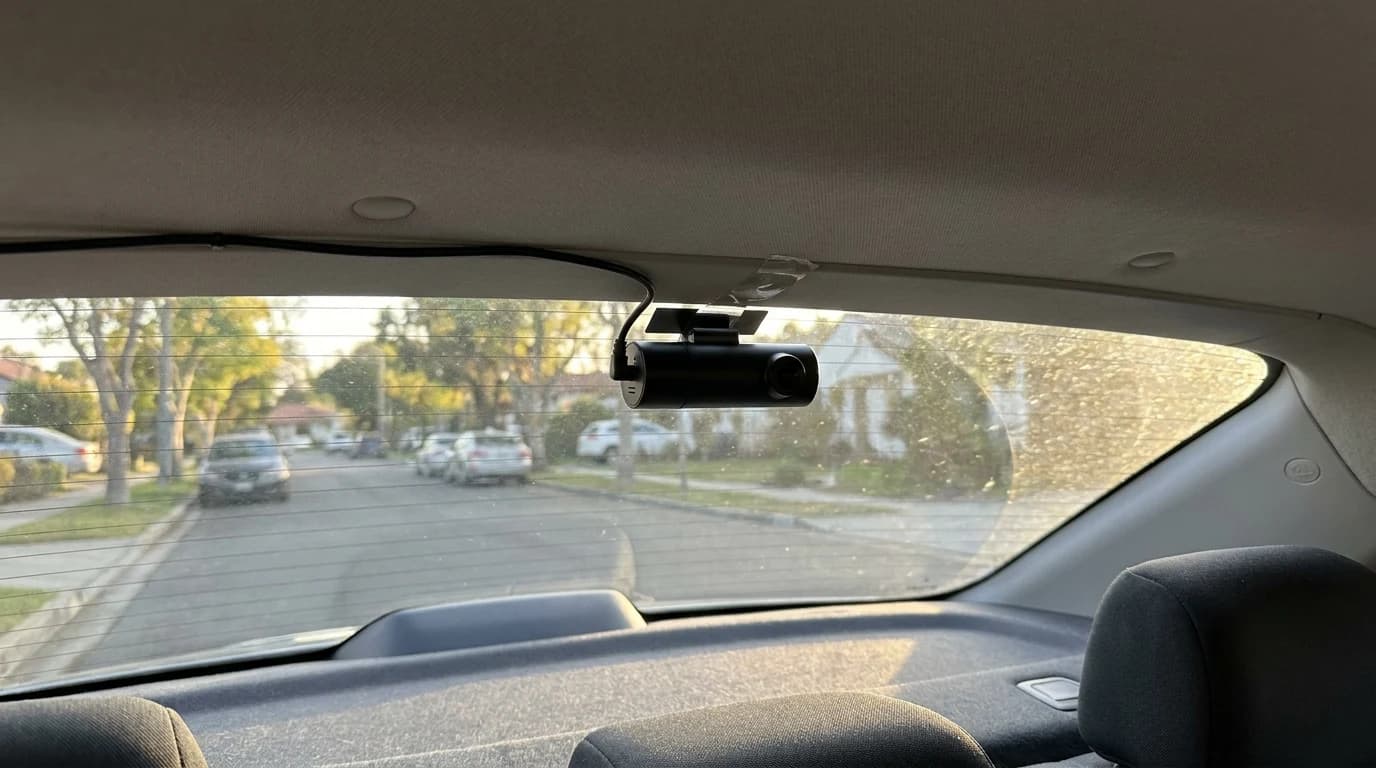
The gap: what a front-only camera cannot do is see behind you. Every scenario in the next section is invisible to it, and that gap is the reason most buyers eventually wish they had spent a little more.
Front-and-rear: the practical sweet spot
A rear channel covers the cases where you are least likely to be at fault and most likely to need proof. Rear-end collisions, tailgaters riding your bumper, and the person who backs into your parked car all happen where a single front lens is blind. This is why owner communities so consistently land on dual-channel as the sensible default, and why our own best dash cams for 2026 roundup leans toward front-and-rear systems for typical drivers. Browse current dual-channel options in the dash cams category to see the range.
The rear camera does add a second cable to route to the tailgate and a little more storage load, but neither is a real obstacle for a normal install. For the money, closing your rear blind spot is the single highest-value upgrade over front-only.
3-channel: the rideshare answer
A third lens records the cabin.
Go 3-channel if:
- You drive rideshare or delivery, where the interior channel documents passenger interactions and disputes no external camera can
- Documenting who was in the car is part of the job
Stop at front-and-rear if:
- You are a private owner — the third channel is usually cost and storage without a matching risk
- Filming passengers raises a privacy question you would rather not have
Parking mode needs real power
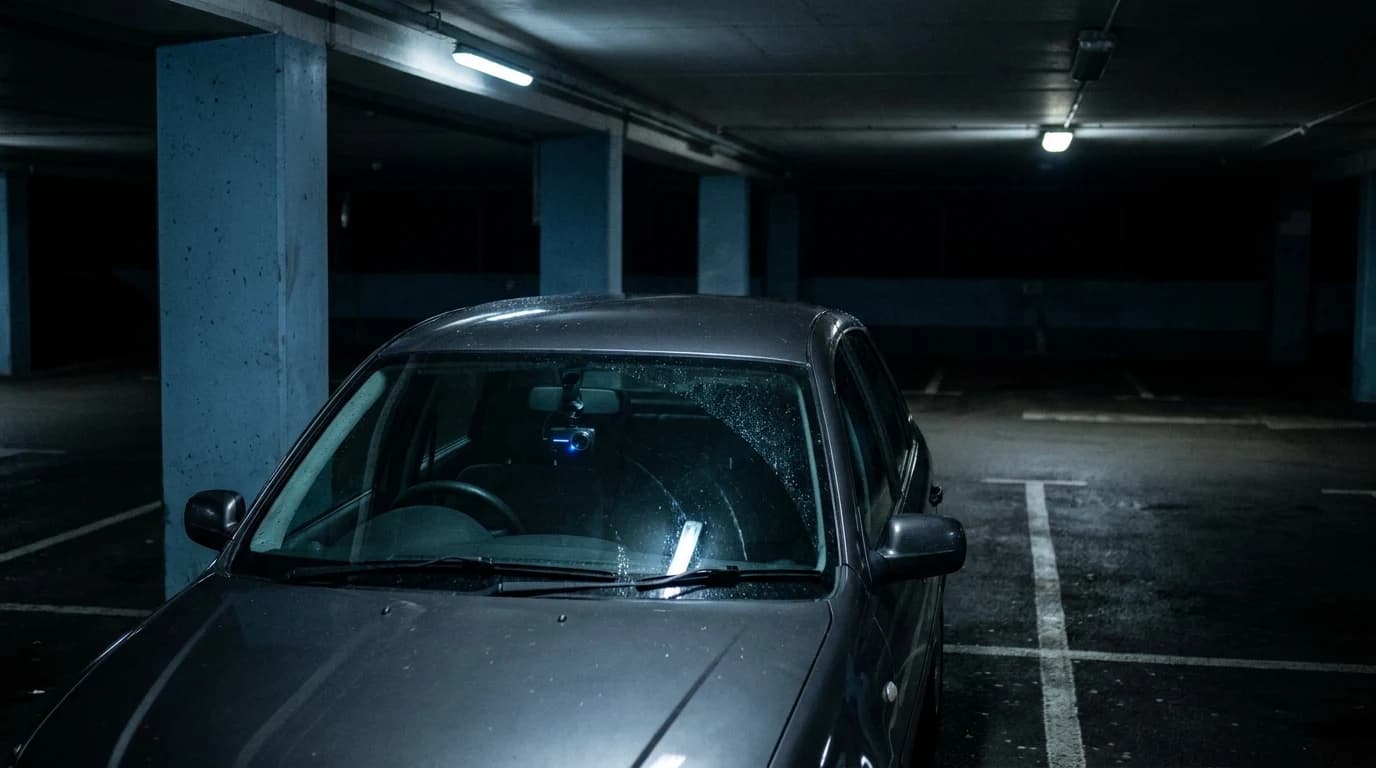
Much of the damage a dash cam is supposed to catch happens while you are nowhere near the car. Parking mode keeps the camera watching when the engine is off, waking on motion or impact. The catch is power.
The trap: the standard 12V cigarette-lighter cable only feeds the camera while you drive, so it cannot support parking mode on its own. You need either a hardwire kit tapped into the fuse box — ideally with a low-voltage cutoff so the camera stops before it drains your starter battery — or a dedicated dash cam battery pack.
If on-street or shared-lot parking is your reality, budget for the wiring alongside the camera itself.
Resolution, bitrate, and storage
Bitrate, not resolution, keeps a plate readable
Buyers fixate on resolution, but two numbers decide whether footage is actually useful. Resolution sets the pixel grid; bitrate sets how much data the camera writes per second, which is what keeps a fast-moving license plate readable instead of smearing into compression blocks. A well-tuned 1440p camera with a generous bitrate can beat a bargain 4K one that crushes its own detail, which is why our scoring methodology looks past headline pixel counts. Consumer Reports maintains a dash cam ratings and buying resource that is a useful sanity check on how models actually perform rather than how they spec on paper. Wherever possible, judge a camera on real night-time sample clips, not the headline number.
The card is the quiet failure point
Worth knowing: dash cams loop-record, overwriting the oldest clips continuously all day, which destroys ordinary microSD cards and leaves you with corrupted or missing footage at the worst moment. Use a high-endurance or industrial card rated for continuous video, and confirm the camera's maximum supported capacity before you buy.
A great camera with a worn-out card is just an expensive light on your windshield.
Putting it together
Start from the directions you need recorded, not the spec sheet:
- Tight budget and front-end worries point to front-only.
- Ordinary daily driving points to front-and-rear.
- Driving passengers for a living points to 3-channel.
- Add parking mode power if you park unattended.
- Pair whatever you choose with a high-endurance card and footage you have actually seen.
Get those choices right and the brand you land on matters far less than the setup you built around it.
Your next step